noah sina

Hello make me a fabric mod for 1.21.4 that its called speaxzyy

Kodari AI
KodariNov 3 at 11:27 pm 1
SpeaxzyyMod
SpeaxzyyMod is a Fabric mod for Minecraft 1.21.4 that introduces a unique gameplay enhancement centered around the player named Speaxzyy. The mod adds custom items, a special crafting recipe, and a unique enchantment that provides enhanced movement speed and jump boost when equipped. It also includes a custom advancement system that tracks player achievements related to the mod's content, along with configurable options for balancing the effects. The mod integrates seamlessly with the Fabric API and follows standard modding conventions for easy installation and compatibility.

[Generation stopped]

noah sina

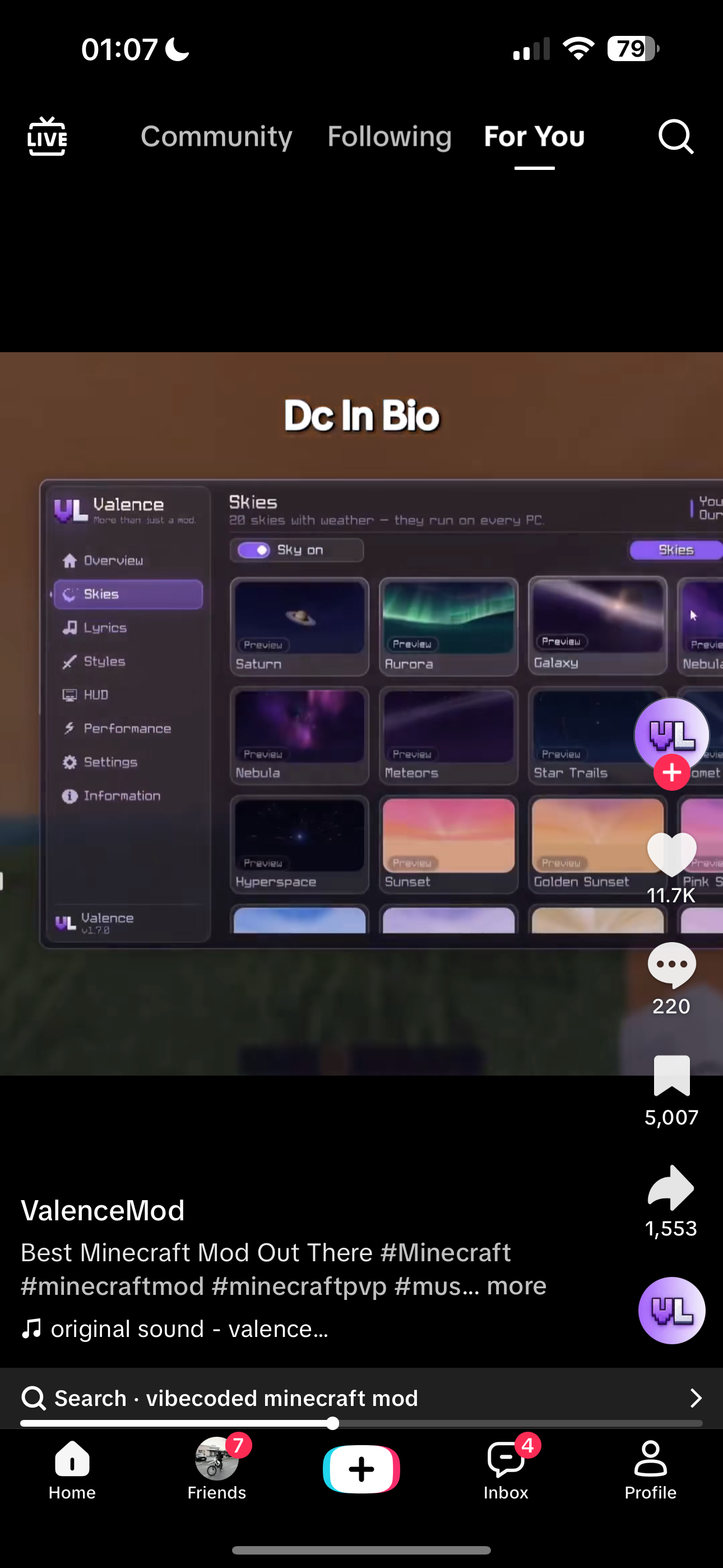
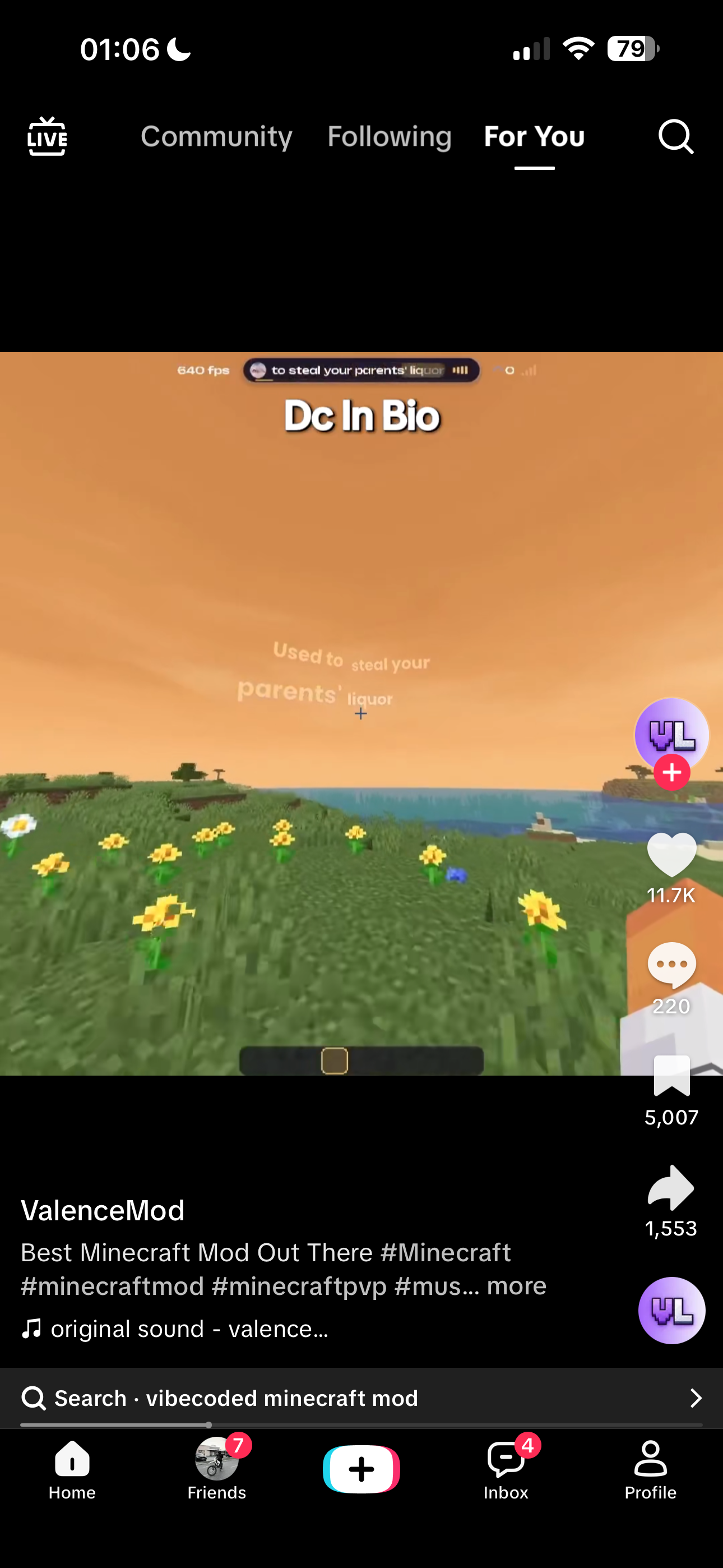
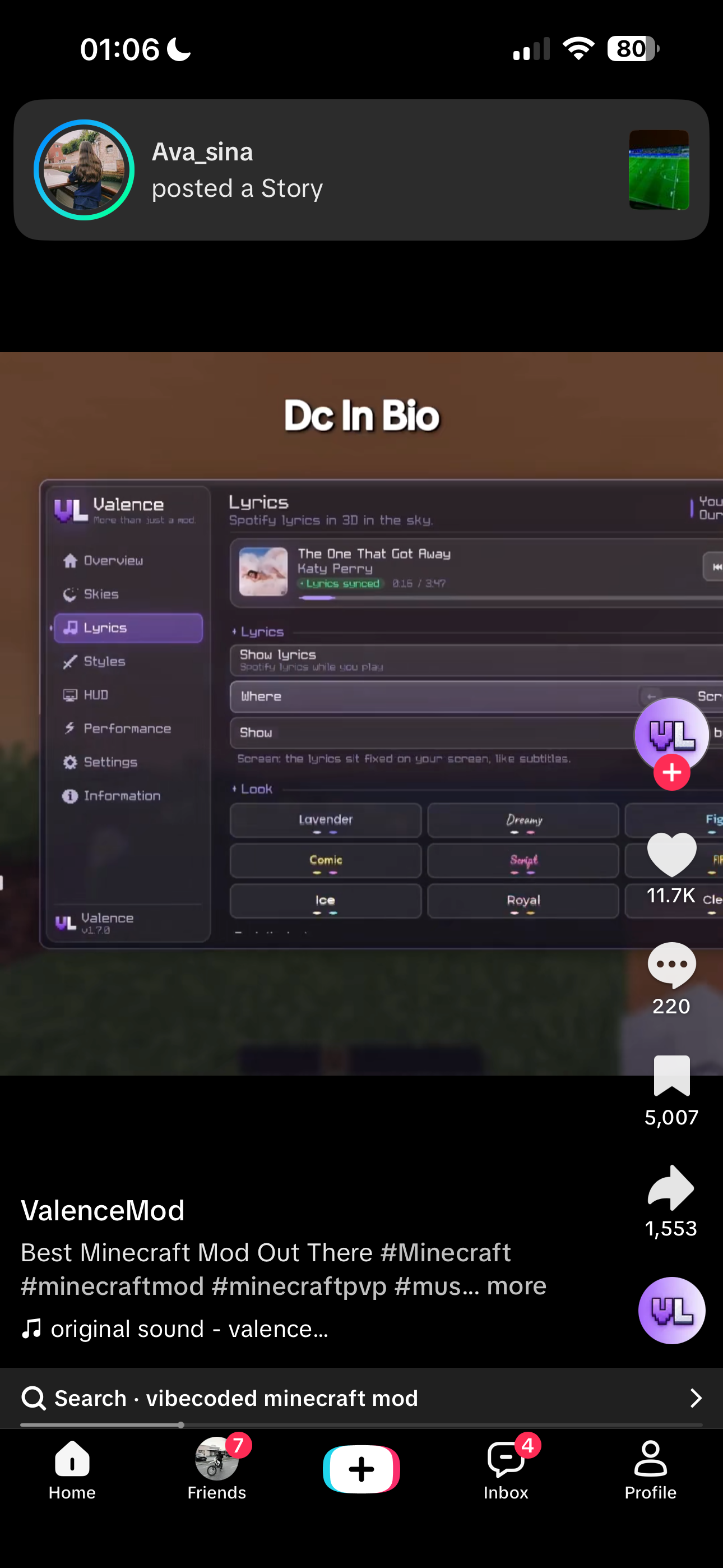
I want a client sided mod that can see what i listen from my computer and put lyrics in the air and at the top i want u to put what music i listen also the gui i want to look like something like that also make so i can change my sky into what ever i want all the skys that are here also add more from ur self and also add that i can change the color of the font

Kodari AI
KodariNov 3 at 11:28 pm 1

Which operating system and music app do you use—for example, Windows with Spotify, or macOS with Apple Music? Music detection depends on both.

Are you okay with the mod sending the current song’s title and artist to an online lyrics service to find synchronized lyrics?

noah sina

Yed and i use windows with spotify make the bind customisable from settings but for default leave it on right shift

Kodari AI
KodariNov 3 at 11:33 pm 5
  1. Connect to Spotify on Windows and look up synchronized lyrics.

  2. Add the music display, customizable text color, and Right Shift settings menu.

  3. Add selectable sky styles and save your preferences.

Created Speaxzyy for Fabric 1.21.4.

  • Press Right Shift to open the menu; use Change keybind to choose another key.

  • Spotify’s Windows media session supplies the current track. Its title and artist are sent to LRCLIB to find synchronized lyrics.

  • Choose a sky color preset and enter a six-digit hex font color in the menu.

The lyrics currently appear as a screen overlay, not as 3D text in the world. The sky presets change the sky’s color; they don’t yet add the illustrated planets, auroras, or other effects shown in your reference. Spotify detection and lyric availability depend on the Windows media session and LRCLIB.

noah sina

Where do i download it from

Kodari AI
KodariNov 3 at 11:42 pm 4
  1. On desktop, click Compile in the top bar. On phone, tap ⋮ → Compile Project.

  2. Click Compile in the window.

  3. When it succeeds, click Download on the build or the Download Speaxzyy.jar button in the chat.

Kodari can make mistakes. Review important code before using.
Files
src
build.gradle
gradle.properties
settings.gradle
Code
12 359
src/main/java/com/speaxzyy/SpeaxzyyClient.java
package com.speaxzyy;

import net.fabricmc.api.ClientModInitializer;
import net.fabricmc.fabric.api.client.event.lifecycle.v1.ClientTickEvents;
import net.fabricmc.fabric.api.client.keybinding.v1.KeyBindingHelper;
import net.fabricmc.fabric.api.client.rendering.v1.HudRenderCallback;
import net.minecraft.client.MinecraftClient;
import net.minecraft.client.option.KeyBinding;
import net.minecraft.client.util.InputUtil;

public final class SpeaxzyyClient implements ClientModInitializer {
    @Override
    public void onInitializeClient() {
        Settings.load();
        Media.start();
        KeyBinding open = KeyBindingHelper.registerKeyBinding(new KeyBinding("key.speaxzyy.open", InputUtil.Type.KEYSYM, InputUtil.GLFW_KEY_RIGHT_SHIFT, "key.category.speaxzyy"));
        ClientTickEvents.END_CLIENT_TICK.register(client -> {
            while (open.wasPressed()) {
                if (client.currentScreen == null) client.setScreen(new SpeaxzyyScreen());
            }
        });
        HudRenderCallback.EVENT.register((context, tickCounter) -> {
            MinecraftClient client = MinecraftClient.getInstance();
            if (client.player == null || client.options.hudHidden) return;
            Media.State media = Media.state;
            int width = client.getWindow().getScaledWidth();
            int height = client.getWindow().getScaledHeight();
            int color = 0xff000000 | Settings.color;
            if (Settings.music && !media.title().isEmpty()) {
                String label = media.title() + "  -  " + media.artist();
                int half = Math.min(client.textRenderer.getWidth(label) / 2 + 10, width / 2 - 2);
                context.fill(width / 2 - half, 5, width / 2 + half, 23, 0xc51c1629);
                context.drawCenteredTextWithShadow(client.textRenderer, label, width / 2, 10, color);
            }
            if (Settings.lyrics && !media.lyric().isEmpty()) {
                context.drawCenteredTextWithShadow(client.textRenderer, media.lyric(), width / 2, height / 2 - 40, color);
            }
        });
    }
}