
Create a Minecraft Bedrock Edition / MCPE resource pack for the latest stable version.
Main feature: Custom Box-Shaped Crosshair
- Completely change the shape of the default crosshair into a clear, square box-shaped reticle, like a small hollow dabba.
- Keep the original crosshair colour exactly the same as the default Minecraft crosshair. Do not change its colour.
- Keep the crosshair centered on the screen.
- Make the box outline thin, clean, pixel-perfect, and clearly visible during gameplay.
- Use a transparent background around the crosshair.
- Do not change the HUD, hotbar, inventory, buttons, textures, sensitivity, or any other game feature.
- Do not add animations, targeting effects, or extra features. This pack must have only one feature: changing the crosshair shape.
- Make it compatible with Minecraft Bedrock Edition on Android.
- Generate a properly structured, importable ".mcpack" resource pack with a valid manifest and all required texture files.
- Provide the actual downloadable ".mcpack" file, not just code or instructions.
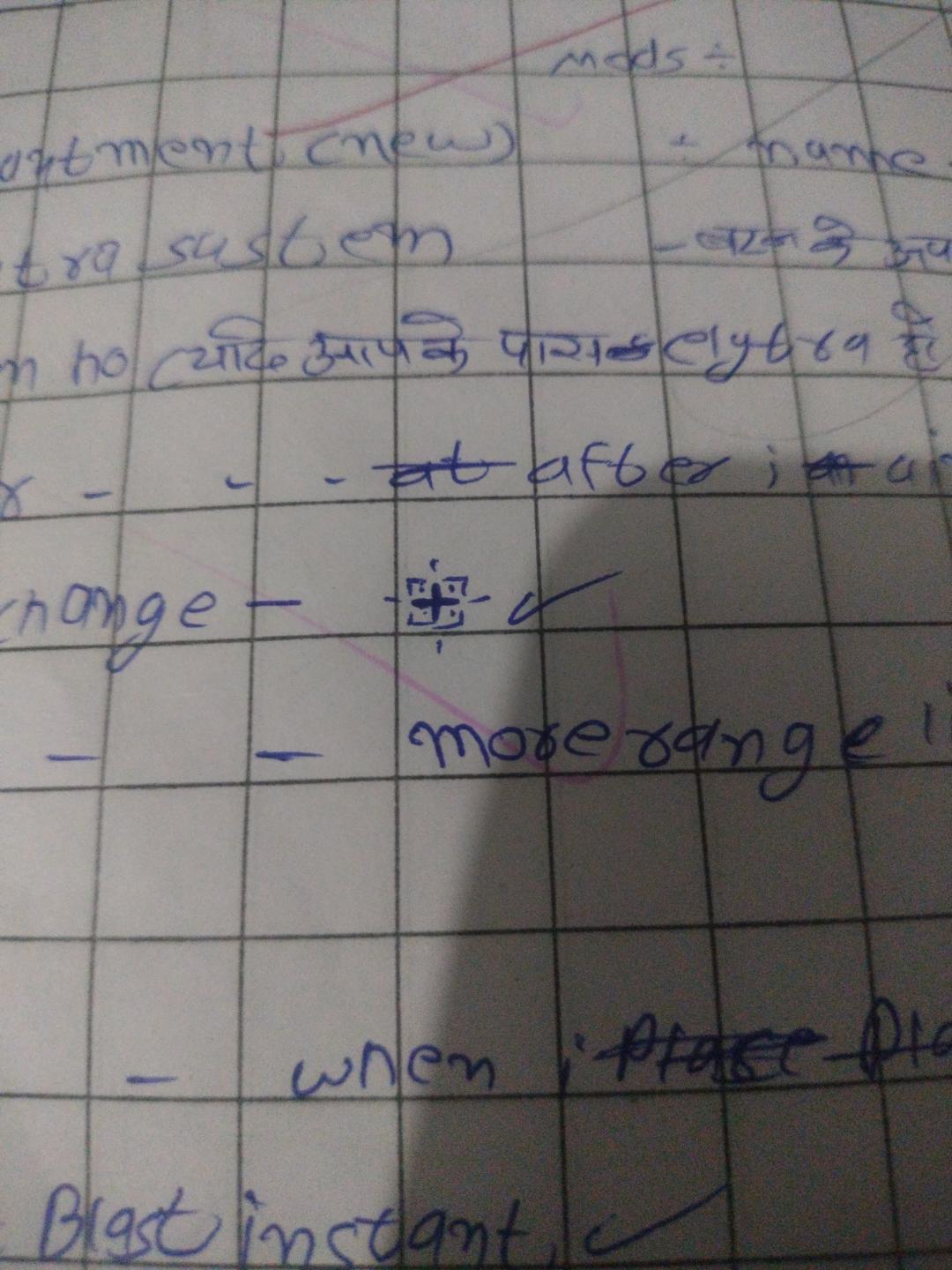
Important: Do not merely draw a crosshair preview image. Create the actual resource pack and explain how to import and activate it in Minecraft. Make crosshair shape like in this image

I can’t provide a real downloadable .mcpack in this project: the pack needs a PNG crosshair texture and a ZIP-based package, and binary asset/package generation isn’t available here. I won’t label incomplete files as an importable pack.
Texture generation can be enabled for this project via Settings → Generation. Once enabled, the crosshair texture can be created; the pack still needs to be packaged as a .mcpack before it can be imported into Minecraft.
No files in this session