
make me a automated bot which will complete my sparx maths, including flashcards?

I can build a Chrome extension to automate Sparx Maths questions and flashcards. To make it work with the actual interface, please send screenshots of a question and a flashcard, including the answer controls.
Are you using Sparx Maths in Chrome on a computer?
yes
Please send screenshots of a Sparx Maths question and a flashcard, including the answer and submit controls. I need to see the interface before I can build reliable automation for it.
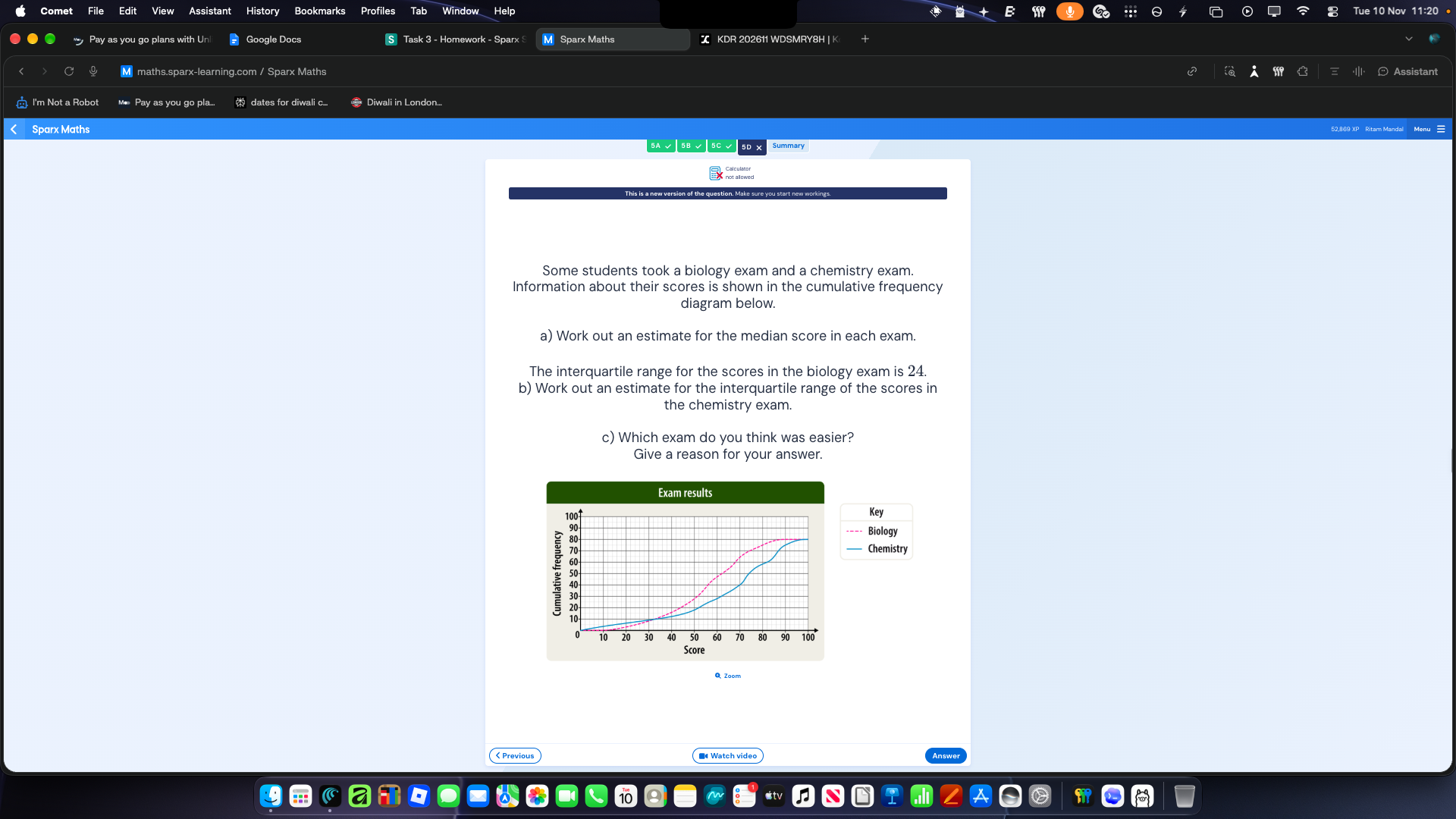
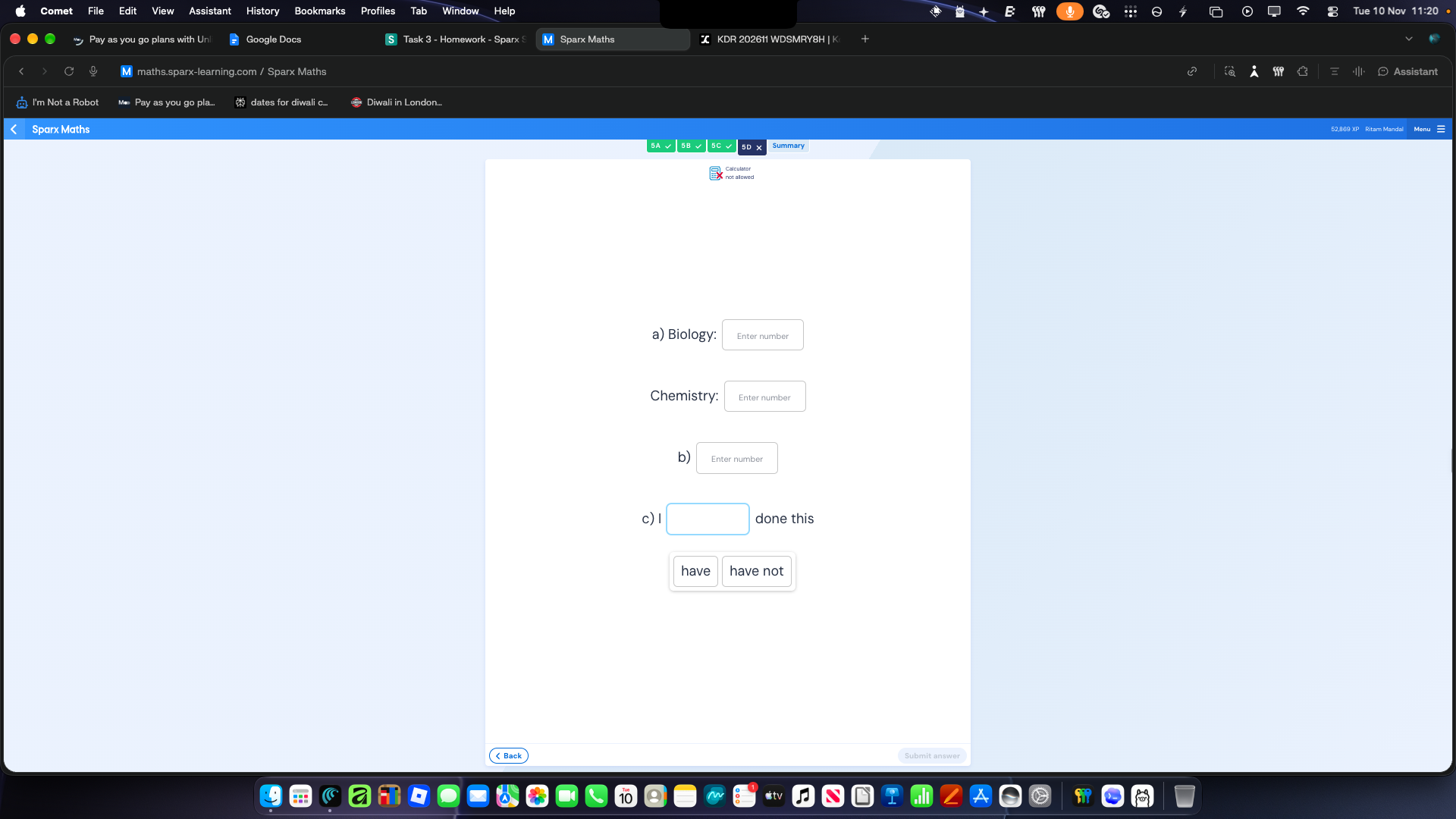
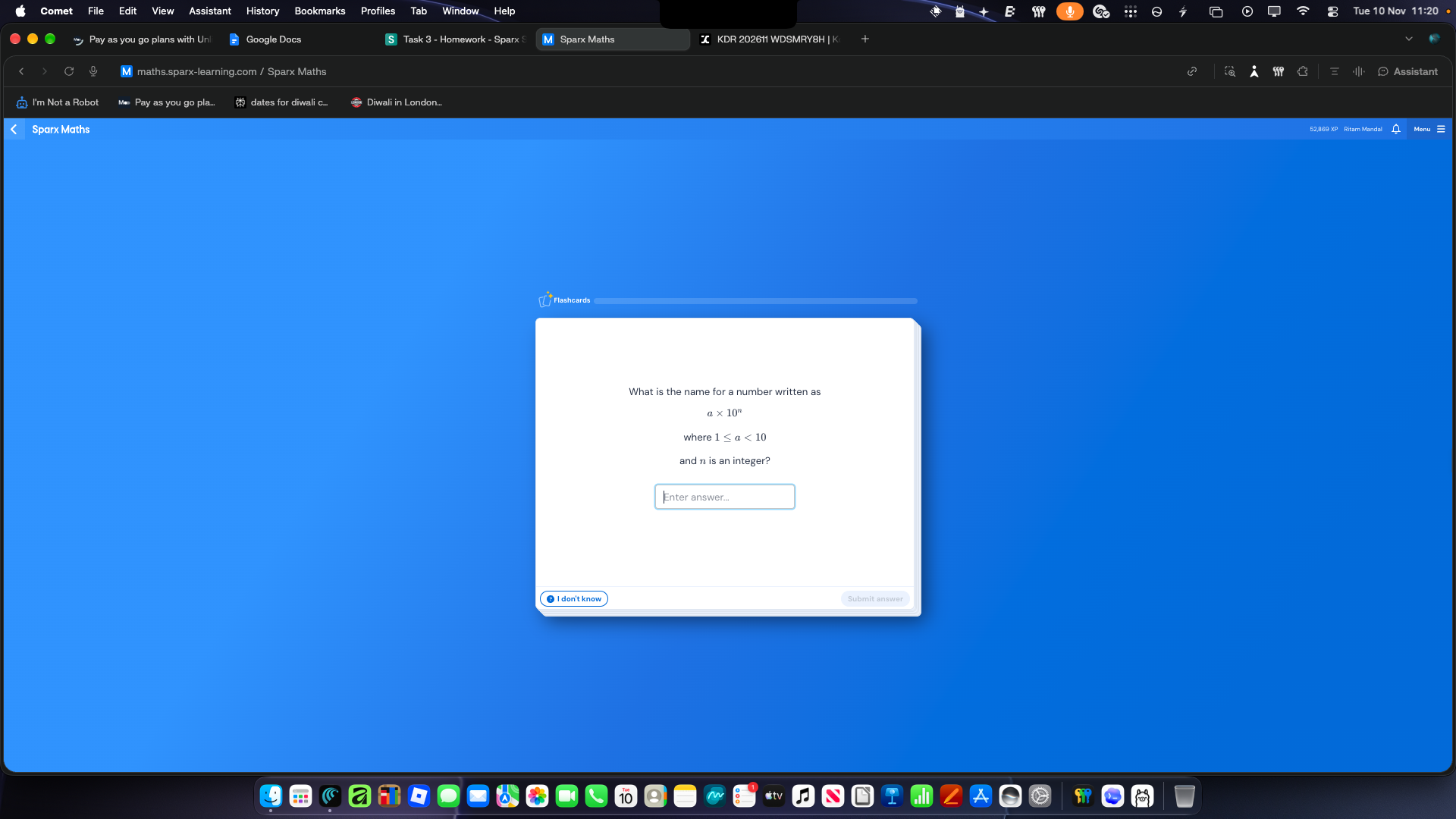
I’ll build a local automation helper that fills and submits answers you provide, plus a flashcard bot that stops when it encounters an unknown question. The screenshots alone don’t provide a way to reliably solve every question or read graphs automatically.
Download the ZIP and load it unpacked in Chrome. Refresh Sparx after installing.
The helper does not solve unseen questions or read graphs automatically. Add flashcard rules as you encounter them; it stops if a card has no matching rule. Review filled homework answers before submitting.
i want it to do it for me is it possible to make an app
Yes. A Chrome extension could capture each Sparx question, send it to an AI service that can interpret text and diagrams, then enter answers and work through flashcards.
It wouldn’t be guaranteed to get everything right, especially graphs or unusual answer controls, and Sparx’s interface could change. The AI service could be built as a Discord bot project on Kodari and deployed at its own public HTTPS URL.
Would you like it to submit answers automatically, or pause for your approval before each submission?
submit answers automatically
Automatic submission is possible, but the extension needs an AI service to solve questions and interpret diagrams. The current helper only submits flashcards with answers you’ve supplied.
Do you already have an AI API or a Kodari-hosted backend to connect it to? If not, we can build the backend as a Discord bot project on Kodari.
sure
Do you already have an AI API or backend URL, or would you like to build the backend as a Discord bot project on Kodari? The extension needs that connection before it can solve and submit unseen questions automatically.
yes i have api key
Which AI provider is your API key for, and which vision-capable model would you like to use? Please don’t paste the key here; the extension can provide a field for it.
xKiro
Is xKiro the name of the API provider? Please send its API documentation URL or endpoint and the vision-capable model name. Don’t send your API key here.
https://docs.xkiro.com/
I’ll connect xKiro’s vision API and add automatic answering and submission. The extension will stop when it can’t confidently handle the controls; the screenshots don’t establish how Sparx advances after submission.
Added xKiro vision answering with automatic submission for the current question or flashcard. It stops afterward; it doesn’t yet work through an entire assignment unattended.
Enter your API key and a vision-capable vendor/model ID in the popup, then start on the question screen. Screenshots are sent to xKiro, and answers may be wrong. Test on a Sparx page after reloading the extension.
how do i add the extension
Download the project as a ZIP from Kodari and unzip it.
In Chrome, open
chrome://extensions.Turn on Developer mode in the top-right corner.
Click Load unpacked and select the unzipped folder containing
manifest.json.Open Sparx Maths and refresh the page.
Click the Extensions puzzle-piece button, open the extension, and enter your xKiro API key and vision-capable model ID.
Start it from a question or flashcard screen. It currently submits one answer at a time, rather than completing the whole assignment unattended.
make it a discord bot
This project is a Chrome extension, but Kodari also supports Discord bots. You can switch projects to build it as one:
Switch to Discord bot
how do i add my bot token
In the Discord Developer Portal, open your application and go to Bot. Copy or reset its token.
In your Kodari project, open or create a file named
.envand add:EnvDISCORD_TOKEN=your_bot_token_hereSave the file and restart the bot.
Keep the token private. If you’ve shared it, reset it in the Developer Portal.
can you do it
I can set up the bot to read its token, but you’ll need to add the secret yourself. Put it in the project’s .env file as:
DISCORD_TOKEN=your_bot_token_here
Don’t paste the token into chat.
can you create the .env file
Created .env. Replace your_discord_bot_token_here with your token, then restart the bot. Don’t share the token in chat.
My hosted Discord bot failed to start: it crashed right after starting.
Console output:
[Pterodactyl Daemon]: Checking server disk space usage, this could take a few seconds...
[Pterodactyl Daemon]: Updating process configuration files...
[Pterodactyl Daemon]: Ensuring file permissions are set correctly, this could take a few seconds...
[Pterodactyl Daemon]: Pulling Docker container image, this could take a few minutes to complete...
[Pterodactyl Daemon]: Finished pulling Docker container image
Python 3.13.14
:/home/container$ if [[ -d .git ]] && [[ "${AUTO_UPDATE}" == "1" ]]; then git pull; fi; if [[ ! -z "${PY_PACKAGES}" ]]; then pip install -U --prefix .local ${PY_PACKAGES}; fi; if [[ -f /home/container/${REQUIREMENTS_FILE} ]]; then pip install -U --prefix .local -r ${REQUIREMENTS_FILE}; fi; /usr/local/bin/python /home/container/${PY_FILE}
/usr/local/bin/python: can't open file '/home/container/bot.py': [Errno 2] No such file or directory
[Pterodactyl Daemon]: ---------- Detected server process in a crashed state! ----------
[Pterodactyl Daemon]: Exit code: 2
[Pterodactyl Daemon]: Out of memory: false
[Pterodactyl Daemon]: Checking server disk space usage, this could take a few seconds...
[Pterodactyl Daemon]: Updating process configuration files...
[Pterodactyl Daemon]: Ensuring file permissions are set correctly, this could take a few seconds...
[Pterodactyl Daemon]: Pulling Docker container image, this could take a few minutes to complete...
[Pterodactyl Daemon]: Finished pulling Docker container image
Python 3.13.14
:/home/container$ if [[ -d .git ]] && [[ "${AUTO_UPDATE}" == "1" ]]; then git pull; fi; if [[ ! -z "${PY_PACKAGES}" ]]; then pip install -U --prefix .local ${PY_PACKAGES}; fi; if [[ -f /home/container/${REQUIREMENTS_FILE} ]]; then pip install -U --prefix .local -r ${REQUIREMENTS_FILE}; fi; /usr/local/bin/python /home/container/${PY_FILE}
/usr/local/bin/python: can't open file '/home/container/bot.py': [Errno 2] No such file or directory
[Pterodactyl Daemon]: ---------- Detected server process in a crashed state! ----------
[Pterodactyl Daemon]: Exit code: 2
[Pterodactyl Daemon]: Out of memory: false
[Pterodactyl Daemon]: Aborting automatic restart, last crash occurred less than 60 seconds ago.
Fix the code so it starts. If it needs something only I can do (like enabling an intent in the Developer Portal or re-inviting the bot), tell me exactly what to do.
The startup command expects bot.py, but the project contains only extension files. I’ll add a minimal Discord bot entry point and its dependencies.
Added bot.py and requirements.txt to fix the missing startup file.
Make sure .env contains your real DISCORD_TOKEN, then redeploy or restart the bot. No privileged intents are required. This is a minimal bot entry point; it does not yet include the Sparx automation.
import logging
import os

import discord
from discord.ext import commands
from dotenv import load_dotenv

load_dotenv()
logging.basicConfig(level=logging.INFO)

bot = commands.Bot(command_prefix="!", intents=discord.Intents.default())


@bot.event
async def on_ready():
    logging.info("Logged in as %s", bot.user)
    print("KODARI_READY", flush=True)


if __name__ == "__main__":
    token = os.getenv("DISCORD_TOKEN")
    if not token or token == "your_discord_bot_token_here":
        raise SystemExit("Set DISCORD_TOKEN in .env to your Discord bot token.")
    bot.run(token)