SOFT CLIENT — Minecraft 1.21.11 Custom HUD Mod
Act as an expert Minecraft Java developer and UI/UX designer. Build a complete, functional client-side mod named Soft Client for Minecraft Java Edition 1.21.11 using Fabric. Use the correct Fabric Loader, Fabric API, Yarn or officially supported mappings, and Java version required by the target Minecraft release. Verify dependency compatibility before implementation.
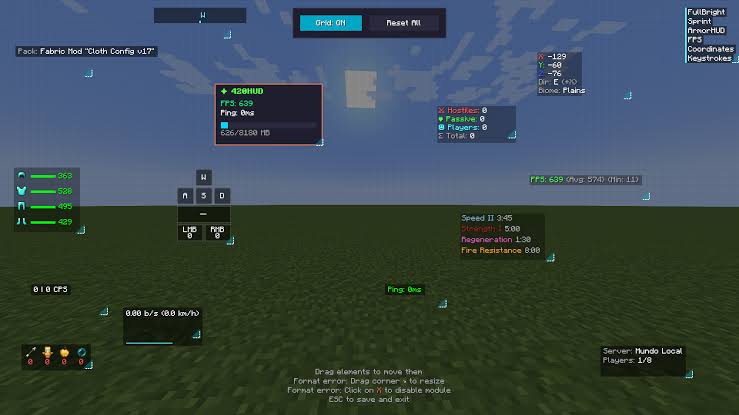
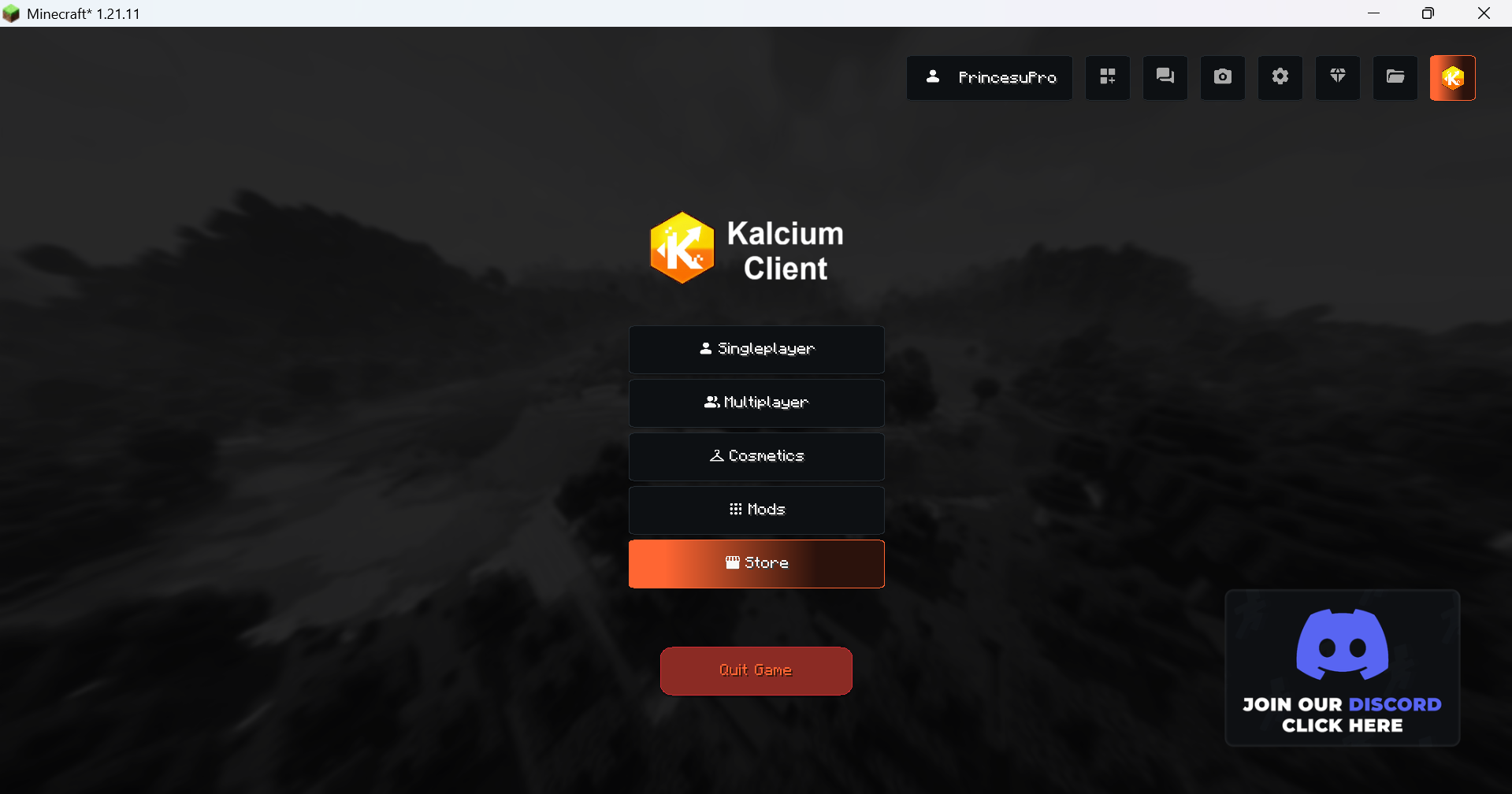
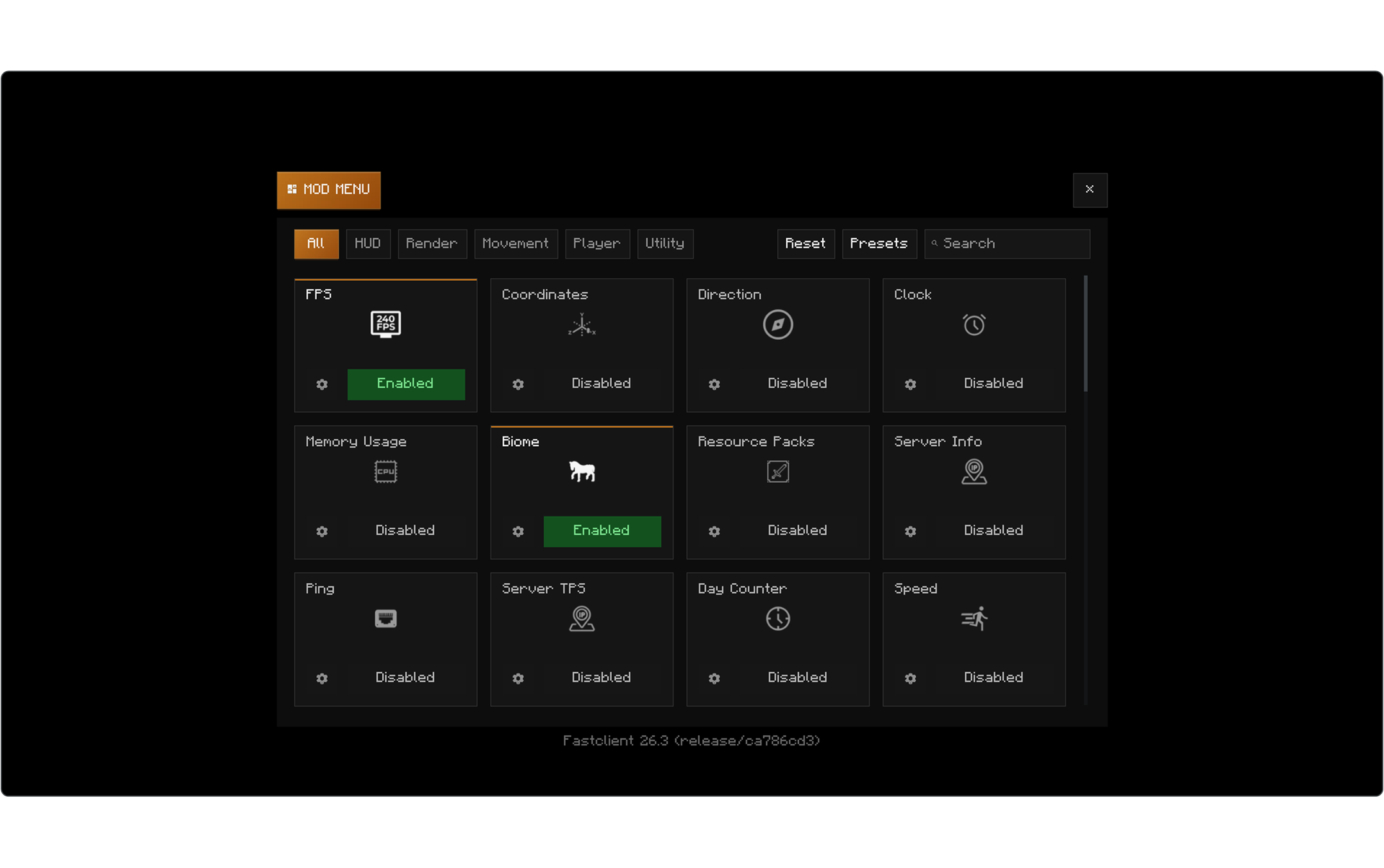
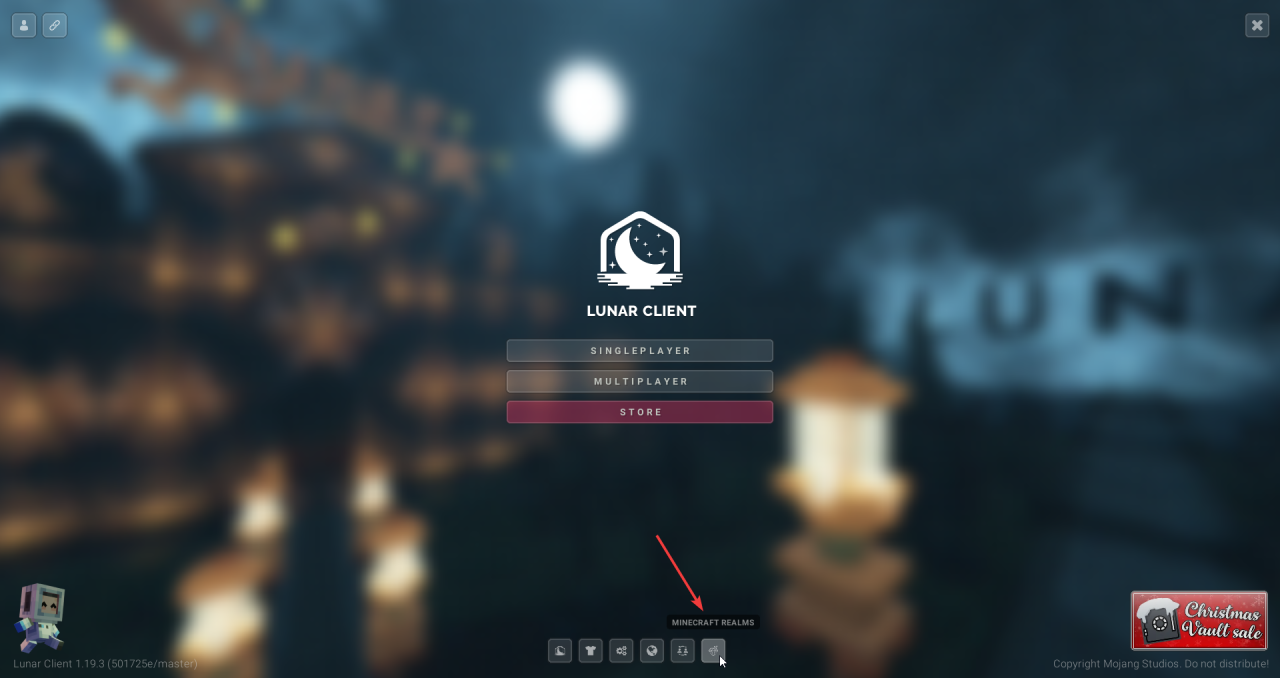
Use the provided screenshots as inspiration for a premium, customizable interface. Take inspiration from Lunar Client, Kalcium Client, and modern HUD editors, but create a unique design that does not directly copy their branding or layouts.
- Branding and Visual Design
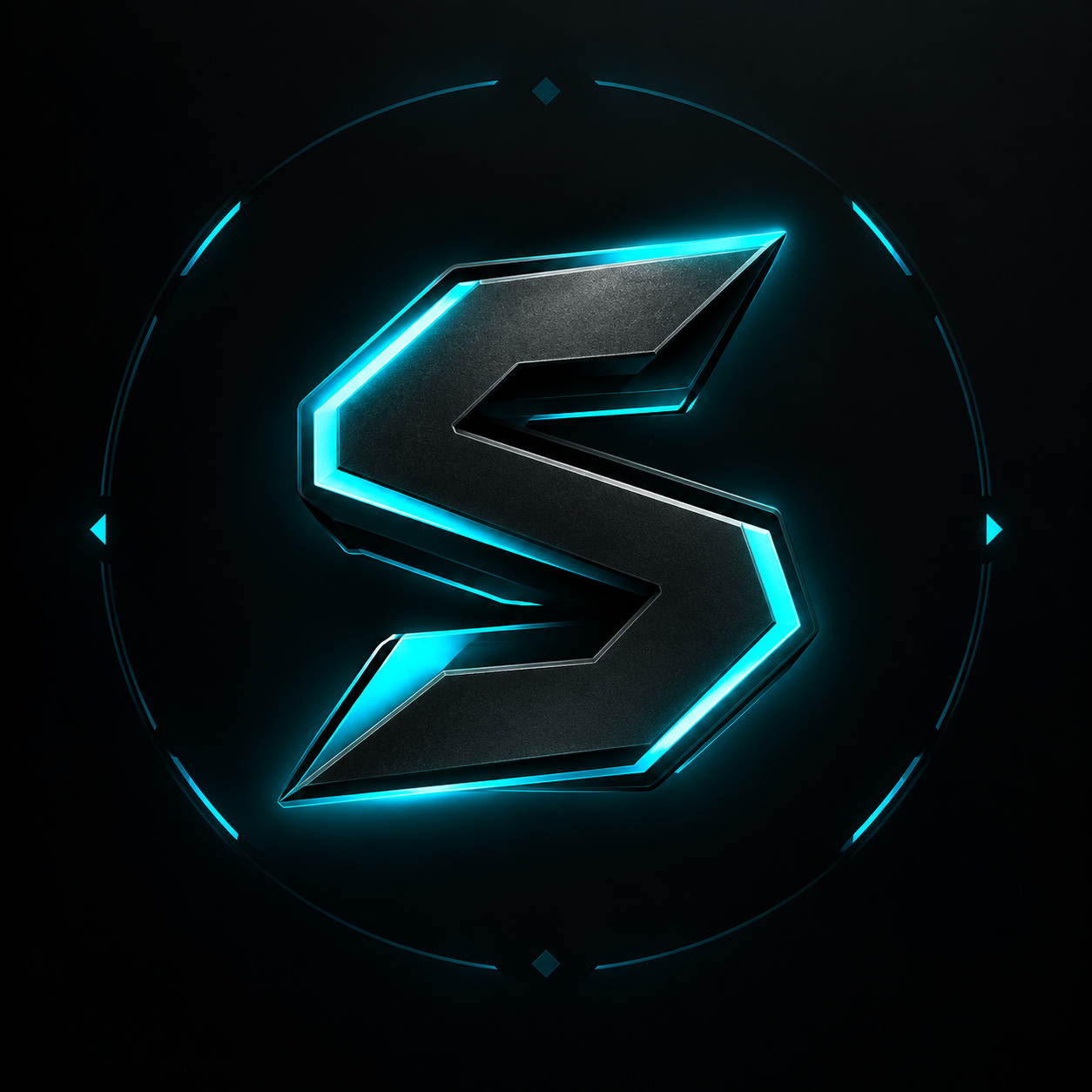
- Create an original, futuristic Soft Client logo featuring a stylish letter S.
- Use a premium dark theme with black, charcoal, subtle gradients, and customizable accent colors.
- Include clean icons, rounded module cards, smooth transitions, elegant typography, and subtle hover effects.
- Make the UI responsive to different resolutions and GUI scales.
- Ensure all visual elements remain crisp and readable.
- GUI Controls
- Press Right Shift in a world or multiplayer server to open the Soft Client menu.
- Press Right Shift again or Escape to close it.
- Provide a configurable keybind in Minecraft Controls.
- Ensure the menu does not interfere with normal gameplay or other keybinds.
- Save settings automatically between sessions.
- Main Client Menu
Create an original interface containing:
- Soft Client logo and profile section.
- Categories: All, HUD, PvP, Render, Movement, Player, Utility, and Settings.
- Searchable module cards with icons, descriptions, enable/disable toggles, and configuration buttons.
- Favorites and category filters.
- A dedicated HUD editor with live preview.
- Preset management with save, load, rename, duplicate, import, and export.
- Smooth animations for opening, closing, switching categories, and enabling modules.
- Functional sliders, switches, dropdowns, color pickers, and text fields.
- Customizable HUD Modules
Implement the following as individual modules:
Information HUD
- FPS Counter
- Coordinates (X, Y, Z)
- Direction and Compass
- Biome Display
- Clock
- Ping Display
- Server Information
- Server TPS when reliable data is available
- Day Counter
- Memory Usage
- Movement Speed
- Keystrokes HUD (W, A, S, D, Space, Shift, Sprint)
- CPS Counter for left and right clicks
- Armor HUD with durability
- Potion Effects
- Item Durability
- Target HUD using legitimately available target information
- Custom Crosshair
- Zoom
- Toggle Sprint
- Fullbright where supported
- Attack Indicator
- Block Overlay
- Item Cooldown Indicator
- Custom Text Widgets
Every module must be independently enabled or disabled and provide appropriate configuration options.
- Drag-and-Drop HUD Editor
- Allow users to drag HUD elements anywhere on the screen.
- Support resizing, scaling, alignment guides, grid snapping, and adjustable spacing.
- Include background, border, opacity, font, and color customization.
- Provide per-element visibility controls.
- Include reset-position and reset-all buttons.
- Prevent elements from moving outside the usable screen area unless explicitly allowed.
- Support saving multiple named HUD layouts.
- Make the editor smooth and responsive without causing FPS drops.
- PvP and Utility Features
Add configurable client-side utility modules where supported by Minecraft 1.21.11:
- Keystrokes and CPS
- Armor and potion status
- Ping and FPS
- Target information
- Custom crosshair
- Zoom
- Sprint toggle
- Damage indicators based on available client events
- Cooldown indicators
- Customizable status and information panels
Respect multiplayer server rules. Do not implement cheats, hidden automation, unauthorized combat advantages, or features that violate server policies.
- Themes and Customization
- Dark, light, and customizable color themes.
- Adjustable accent color and transparency.
- Configurable animation speed.
- Adjustable font sizes and HUD scale.
- Rounded and square interface styles.
- Optional background dimming and blur, with performance-friendly fallbacks.
- Multiple profiles and configuration presets.
- JSON-based configuration import/export.
- Automatic saving and recovery from corrupted settings.
- Fabric and Version Compatibility
The mod must target Minecraft 1.21.11 exclusively unless additional versions are explicitly requested.
- Verify the actual Fabric Loader and Fabric API versions compatible with Minecraft 1.21.11.
- Use the correct Java toolchain and Minecraft mappings for that release.
- Use Fabric keybinding APIs, client tick events, rendering events, and screen APIs compatible with the selected versions.
- Follow the rendering architecture and resource-loading requirements of Minecraft 1.21.11.
- Do not blindly reuse outdated rendering code from older Minecraft versions.
- Include correct "fabric.mod.json", Gradle configuration, dependencies, entrypoints, and resource files.
- Ensure the mod works alongside common Fabric client-side mods where possible.
- Avoid unnecessary mixins; use supported Fabric APIs whenever practical.
- Performance and Stability
- Optimize HUD rendering for smooth gameplay and minimal FPS impact.
- Avoid unnecessary per-frame calculations and object allocations.
- Ensure correct cleanup of rendering resources.
- Handle joining servers, switching worlds, changing GUI scale, and disconnecting safely.
- Prevent crashes and broken layouts caused by missing data or incompatible modules.
- Ensure every button and setting performs its intended action.
- Test module toggles, GUI navigation, HUD dragging, configuration saving, and keybind handling.
- Deliverables
Provide:
- Complete, organized Java source code.
- Full Gradle project and build files.
- Required Fabric metadata and resources.
- Original Soft Client logo and module icons.
- Functional HUD modules and editor.
- Default themes and configuration presets.
- Build and installation instructions.
- A compiled ".jar" file if the environment supports compilation.
- Testing results and a clear list of any incomplete features.
Final Objective
Create Soft Client for Minecraft Java 1.21.11 Fabric as a premium, original, fully functional HUD customization mod. Its menu should feel smooth and polished, with a unique identity, responsive module cards, extensive customization, and reliable configuration persistence.
Do not deliver only a visual mockup. Implement the actual functionality, compile against verified dependencies, fix build errors, and test the finished mod before claiming it works. Never invent dependency versions or claim successful compilation without verification.