F Fn

R

Kodari AI
KodariFri at 4:29 pm 1

What would you like the Fabric 26.3 mod to do?

F Fn

My nahidul client completed

Kodari AI
KodariFri at 4:30 pm 1

What features would you like in the Nahidul client? For example: a HUD, minimap, zoom, keybinds, or performance settings.

F Fn

Yes

Kodari AI
KodariFri at 4:30 pm 1

Which features should Nahidul Client include? You can choose HUD, minimap, zoom, keybinds, performance settings, or describe your own.

F Fn

Yes

Kodari AI
KodariFri at 4:30 pm 1

Which features should I build into Nahidul Client? For example, reply “zoom and HUD” or list everything you want.

F Fn

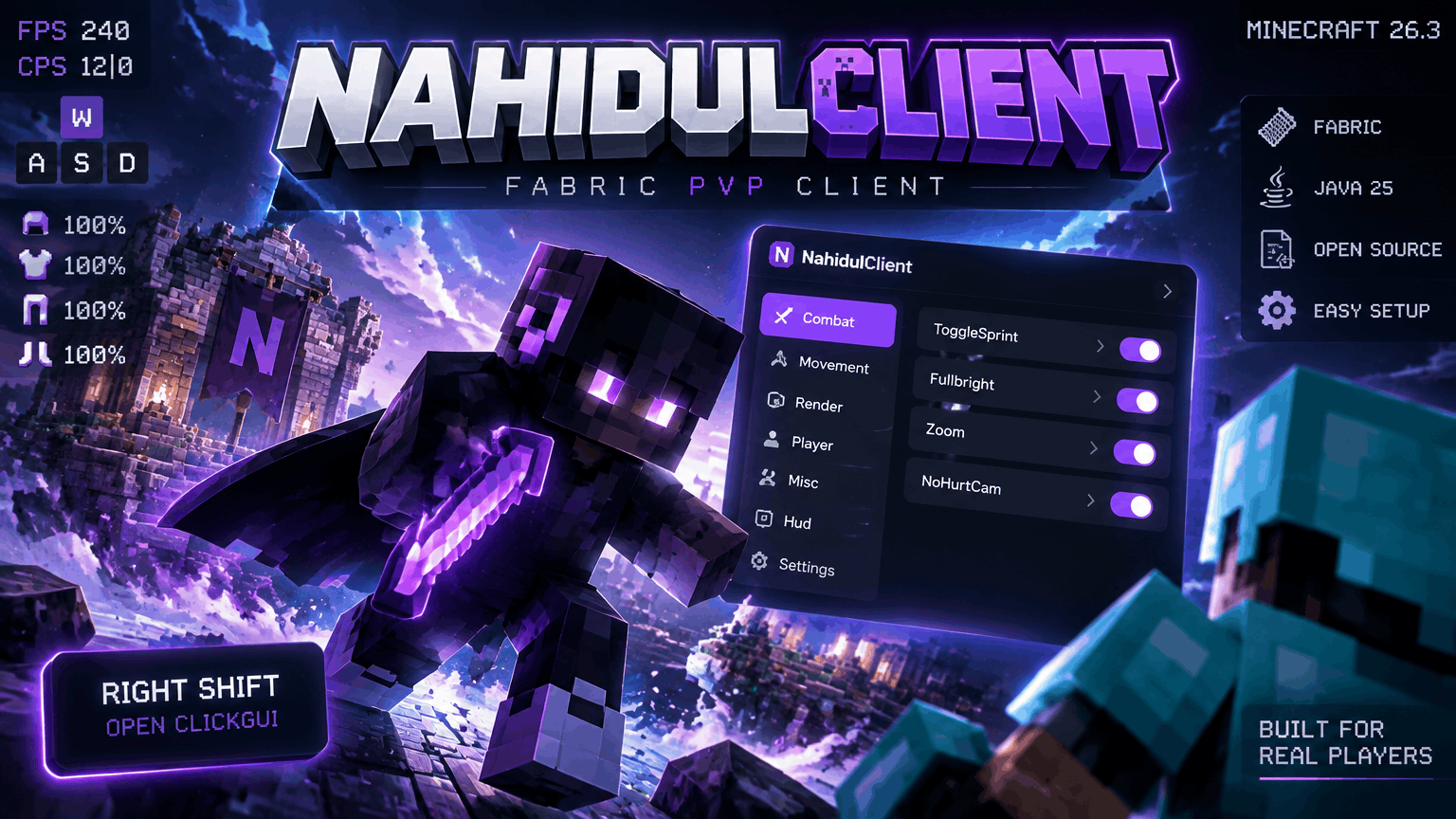
Create a complete Minecraft Java Edition Fabric PvP client mod named "Nahidul Client" (mod ID: nahidulclient) for Minecraft 26.3 (Java 25, Fabric Loader 0.19.5+, Fabric API 0.161.0+26.3, using SDL3 keybinds) featuring a modern dark-mode ClickGUI toggled with Right Shift, a customizable HUD (FPS, CPS, Keystrokes, Armor Status), and server-safe PvP modules including ToggleSprint, Fullbright, Zoom, and NoHurtCam with full unobfuscated Java source code and fabric.mod.json.

Kodari AI
KodariFri at 4:39 pm 17

I’ll build the client-only mod with a dark ClickGUI, persistent module and HUD settings, and rebindable controls. The HUD panels will have on/off and position controls; PvP modules will avoid changing server-side combat mechanics.

Built Nahidul Client with a dark ClickGUI, persistent settings, HUD overlays, ToggleSprint, Fullbright, Zoom, and NoHurtCam.

  • Right Shift: open or close the ClickGUI

  • Hold Z: zoom

  • Rebind both keys in Minecraft’s controls settings.

The HUD toggles and its shared position can be changed in the ClickGUI. Server rules vary, so check whether these client-side features are permitted before using them in PvP. The project has not been compiled or tested in-game here.

F Fn

Give me file

Kodari AI
KodariFri at 4:48 pm 1

To get the mod JAR:

  1. On desktop, click Compile in the top bar. On phone, tap ⋮ → Compile Project.

  2. Click Compile in the window that opens.

  3. Once it succeeds, click Download on the build.

F Fn

Change the gui add gui like this and add more pvp

Kodari AI
KodariYesterday at 2:41 am 6
  1. Restyle the ClickGUI to match the dark, purple-accented reference.

  2. Add more client-side PvP information without automating combat.

Updated the ClickGUI with a dark, purple-accented sidebar inspired by your image.

Added toggleable health, attack cooldown, and ping HUD displays under Combat. Their settings are saved, and the HUD now uses matching purple accents. These are informational features; they don’t automate combat.

The changes haven’t been tested in-game yet.

F Fn

Now iam can check

Kodari AI
KodariYesterday at 3:04 am 3

Yes—you can check it in Minecraft:

  1. Click Compile in the top bar, or on phone tap ⋮ → Compile Project.

  2. Click Compile, then Download when it succeeds.

  3. Put the JAR in your Fabric 26.3 mods folder and launch Minecraft.

  4. Press Right Shift to open the ClickGUI.

The changes haven’t been tested in-game yet. If compilation fails, click Auto-fix.

F Fn

2 or 1 which on i download

Kodari AI
KodariYesterday at 3:05 am 1

Download the newest successful build—number 2, if it compiled successfully. It includes the updated GUI and PvP HUD features.

F Fn

Change menu open button shift right to x

Kodari AI
KodariYesterday at 3:14 am 2

I’ll set X as the default menu key and update the GUI label. Existing custom keybindings will remain unchanged.

The menu key now defaults to X. If you already have a saved keybinding, change it to X in Minecraft’s Controls settings.

F Fn

Now i need download again

Kodari AI
KodariYesterday at 3:15 am 1

Yes. Compile the project again, then download the newest successful build and replace the old JAR in your mods folder.

F Fn

Add combat options KillAura

Kodari AI
KodariYesterday at 3:26 am 1

[Generation stopped]

F Fn

Add combat options KillAura add back to old menu options button

Kodari AI
KodariYesterday at 3:29 am 2
  1. Restore Right Shift as the menu key.

  2. Add a configurable KillAura combat option.

  • Added KillAura under Combat, off by default. It attacks nearby visible players within 3 blocks when the attack cooldown is ready.

  • Restored Right Shift as the default menu key. If your saved keybind is still X, change it in Minecraft’s Controls settings.

KillAura may violate server rules. The changes haven’t been tested in-game; compile and download the new build to try them.

F Fn

Now ready

Kodari AI
KodariYesterday at 3:30 am 1

The changes are ready to compile, but haven’t been tested in-game. Compile and download the newest build, then replace the old JAR in your mods folder.

F Fn

Add kilaura cooldown 2 s and killaura attack mob like zombies pig

Kodari AI
KodariYesterday at 3:49 am 1

KillAura now waits at least 2 seconds between attacks and targets nearby mobs, including zombies and pigs, as well as players.

Compile and download a new build to try it. The change hasn’t been tested in-game.

F Fn

Is ready

Kodari AI
KodariYesterday at 3:50 am 1

The change is ready to compile. Download the new build after compilation succeeds, then replace the old JAR in your mods folder. It hasn’t been tested in-game yet.

F Fn

Add kilaura no cooldown like worst client fasr attack

Kodari AI
KodariYesterday at 1:36 pm 1

Removed KillAura’s two-second delay and attack-strength check. It now attempts an attack each client tick; server damage cooldowns and rules still apply.

Compile and download a new build to try it.

F Fn

Now ready

Kodari AI
KodariYesterday at 1:37 pm 1

Yes. Compile and download the newest build, then replace the old JAR in your mods folder.

Kodari can make mistakes. Review important code before using.
Files
src
build.gradle
gradle.properties
manifest.kod
settings.gradle
Code
15 486
src/client/java/com/nahidulclient/client/NahidulClient.java
package com.nahidulclient.client;

import com.mojang.blaze3d.platform.InputConstants;
import net.fabricmc.api.ClientModInitializer;
import net.fabricmc.fabric.api.client.event.lifecycle.v1.ClientTickEvents;
import net.fabricmc.fabric.api.client.keymapping.v1.KeyMappingHelper;
import net.fabricmc.fabric.api.client.rendering.v1.hud.HudElementRegistry;
import net.minecraft.client.KeyMapping;
import net.minecraft.client.Minecraft;
import net.minecraft.resources.Identifier;
import net.minecraft.world.InteractionHand;
import net.minecraft.world.entity.Entity;
import net.minecraft.world.entity.LivingEntity;
import net.minecraft.world.entity.Mob;
import net.minecraft.world.entity.player.Player;
import net.minecraft.world.item.component.SwingAnimation;

public final class NahidulClient implements ClientModInitializer {
    public static KeyMapping menuKey, zoomKey;
    private static Boolean originalSprint;

    @Override
    public void onInitializeClient() {
        ClientConfig.load();
        menuKey = KeyMappingHelper.registerKeyMapping(new KeyMapping("key.nahidulclient.menu", InputConstants.Type.KEYBOARD, InputConstants.KEY_RSHIFT, KeyMapping.Category.MISC));
        zoomKey = KeyMappingHelper.registerKeyMapping(new KeyMapping("key.nahidulclient.zoom", InputConstants.Type.KEYBOARD, InputConstants.KEY_Z, KeyMapping.Category.MISC));
        HudElementRegistry.addLast(Identifier.fromNamespaceAndPath("nahidulclient", "hud"), ClientHud::render);
        ClientTickEvents.END_CLIENT_TICK.register(client -> {
            while (menuKey.consumeClick()) {
                if (client.gui.screen() instanceof ClickGui) client.gui.setScreen(null);
                else if (client.gui.screen() == null) client.gui.setScreen(new ClickGui());
            }
            syncSprint(client);
            attackNearbyTarget(client);
        });
    }

    private static void attackNearbyTarget(Minecraft client) {
        if (!ClientConfig.killAura || client.player == null || client.level == null || client.gameMode == null
                || client.gui.screen() != null || !client.player.isAlive() || client.player.isSpectator()) return;

        Entity target = null;
        double nearestDistance = 9.0;
        for (Entity candidate : client.level.getEntities(client.player, client.player.getBoundingBox().inflate(3.0),
                entity -> (entity instanceof Player || entity instanceof Mob)
                        && entity.isAlive() && !entity.isSpectator())) {
            double distance = client.player.distanceToSqr(candidate);
            if (distance <= nearestDistance && client.player.hasLineOfSight(candidate)
                    && client.player.canAttack((LivingEntity) candidate)) {
                target = candidate;
                nearestDistance = distance;
            }
        }
        if (target != null) {
            client.gameMode.attack(client.player, target);
            client.player.swing(InteractionHand.MAIN_HAND, SwingAnimation.DEFAULT, false);
        }
    }

    public static boolean zooming() {
        Minecraft client = Minecraft.getInstance();
        return ClientConfig.zoom && zoomKey != null && zoomKey.isDown() && client.gui.screen() == null && client.player != null;
    }

    private static void syncSprint(Minecraft client) {
        if (ClientConfig.sprint) {
            if (originalSprint == null) originalSprint = client.options.toggleSprint().get();
            if (!client.options.toggleSprint().get()) client.options.toggleSprint().set(true);
        } else if (originalSprint != null) {
            client.options.toggleSprint().set(originalSprint);
            originalSprint = null;
        }
    }
}