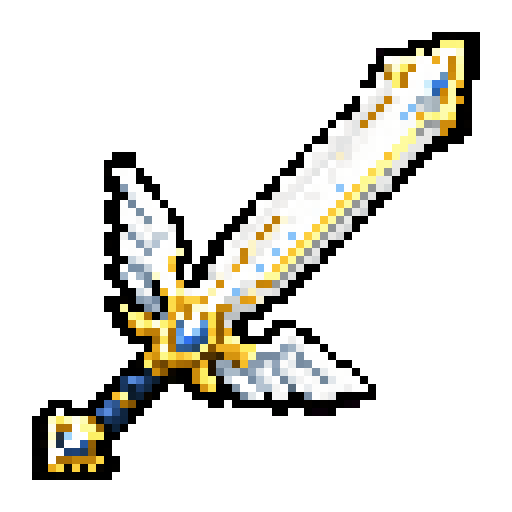
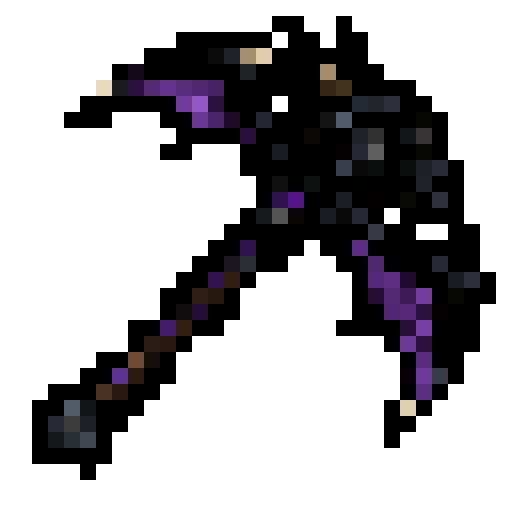
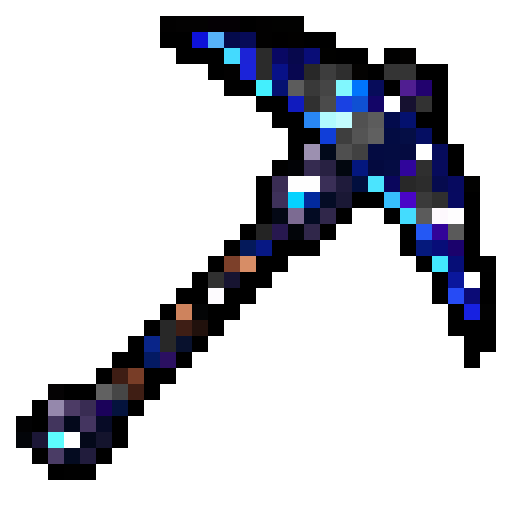
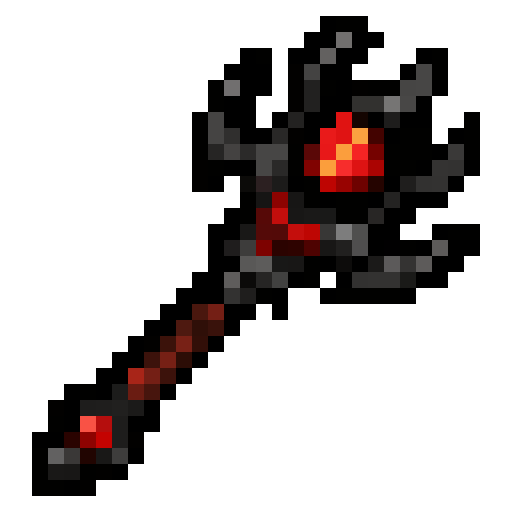
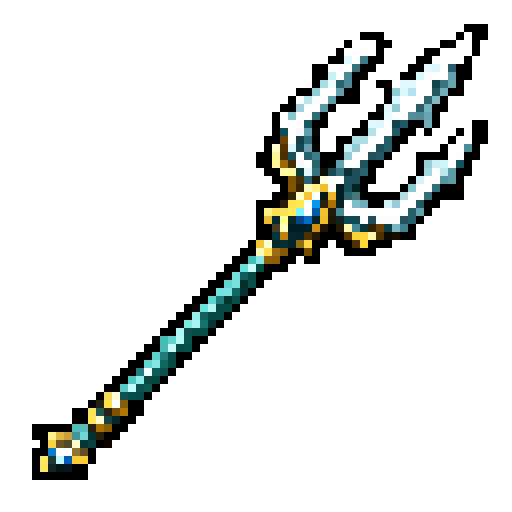
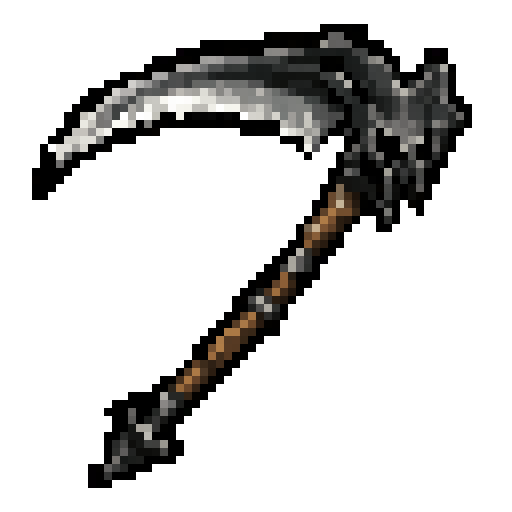
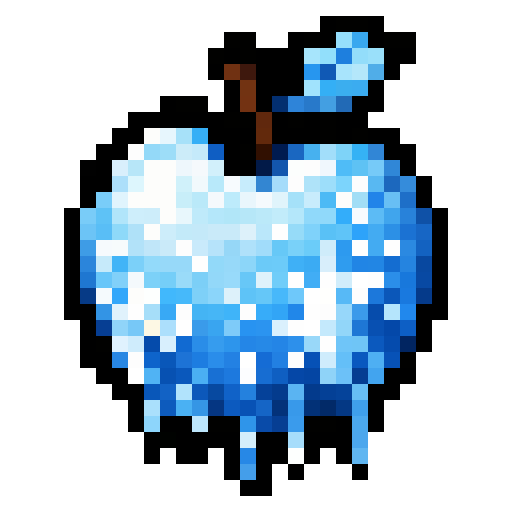
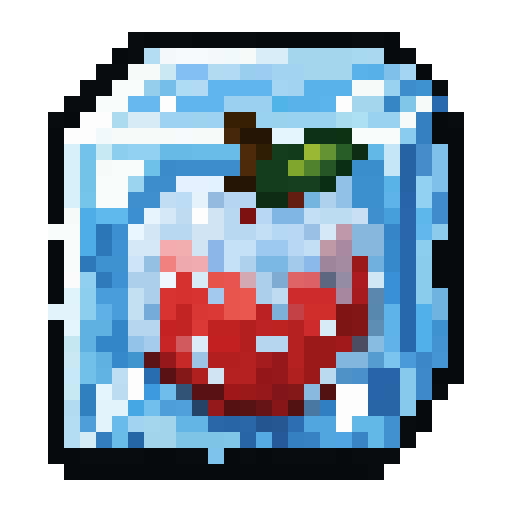
Making a good Minecraft texture by hand is a specific, unforgiving skill. You are painting meaning into a 16 by 16 grid, 256 pixels to say "sword," or "healing potion," or "ancient relic." Every pixel counts, the outline has to read at a glance, and it has to sit next to vanilla textures without looking out of place. Most people who want a custom item do not have that skill, and the ones who do rarely have the hours it takes to fill out a full set. Kodari Studio's texture generator removes that wall: you describe the texture in plain English and get a finished, pack-ready PNG back.
This is not a filter over a stock image or a blurry AI render shrunk down to pretend it is pixel art. The generator is tuned for the Minecraft look, tight outlines, readable shapes, a limited palette, so the result actually belongs in the game instead of fighting it.
What the texture generator actually does
You open Kodari Studio, pick Textures, and type what you want. "A cosmic pickaxe with a purple galaxy head and a dark handle." "A frozen apple, pale blue with frost on the edges." "A demonic wand, black with a glowing red core." A few seconds later you have the texture as a proper PNG, and if it is not quite right, you keep talking to it, "make the glow brighter," "shorten the handle," "more contrast on the blade," and it iterates.
The output is a real image file, not a preview locked inside a tool. That matters, because a texture is only useful if you can take it with you: into a resource pack, into a plugin or mod that assigns custom model data, into Blockbench as a face texture, wherever you need it.
16x, 32x, and 64x, pick your resolution
Vanilla Minecraft is 16x16 per texture, and for most items and blocks that is exactly what you want, it matches the base game pixel for pixel and stays crisp at any GUI scale. But higher-resolution packs are popular too, and detailed items like ornate weapons or magical artifacts often benefit from more room to work. The generator supports 16x, 32x, and 64x, so you can match the resolution of the pack you are building instead of upscaling a 16x tile and living with the blur.
Whatever resolution you choose, the texture is exported as a clean PNG with a transparent background where it should be, no stray semi-transparent pixels around the edges, no muddy anti-aliasing that makes a pixel-art item look smudged in-game.
Items, tools, blocks, and everything in between
The most common use is items, swords, pickaxes, wands, food, potions, currencies, keys, relics, the props that make a custom server or modpack feel like its own world. Tools and weapons are where a distinctive texture pays off most, a "Poseidon Trident" or a "Dragon Pickaxe" reads instantly in a hotbar and gives a reward real weight.
It handles blocks too, which have their own rules, a block texture has to tile seamlessly so a wall of it does not show obvious seams, and it often needs matching faces. Describe the material, "cracked hellstone," "polished bluish crystal," "mossy ancient brick," and you get a tile you can actually build with.
The point is not to replace artists. It is to let anyone who has an idea for a texture end up with the texture, instead of ending up with a blank 16x16 canvas and no idea where to start.
How it fits your resource pack
Because every generation is a plain PNG, dropping textures into a resource pack is the normal, boring, reliable process you already know. Put the file in the right textures/item or textures/block path, point your model or custom model data at it, and it just works, on vanilla clients, on Optifine, on any launcher. There is no proprietary format to convert and nothing to license per texture.
If you are building a full set, say a themed weapon tier, or a matching UI icon family, you can keep the same descriptive language across prompts so the results share a visual style. Ask for "the same palette and outline weight as the last one" and the set holds together instead of looking like ten different artists.
Iterate in plain English
The workflow that makes this fast is conversation. You almost never nail a texture in one shot, and you should not have to. Instead of reopening an image editor and nudging pixels, you tell the generator what to change: brighter, darker, warmer, sharper edges, remove the gem, add a rune, make it feel more "ancient" and less "shiny." Each pass is seconds, so you explore variations the way you would sketch, not the way you would grind.
And because it is part of Kodari Studio, the same place you generate 3D models and full builds, your textures live next to the rest of your project instead of scattered across a downloads folder.
Who it is for
Server owners who want custom items but do not have an artist on the team. Modpack and datapack makers filling out a themed set without commissioning every icon. Plugin developers who need a texture to go with the custom model data they are already wiring up. And players who just want their own personal pack to feel like theirs. If you can describe it, you can texture it.
Kodari Studio, including the texture generator, is available to all Kodari customers. Open Studio, pick Textures, and describe the first thing you have always wanted in your hotbar.